Beschreiwung
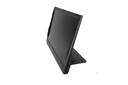
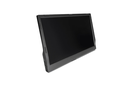
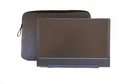
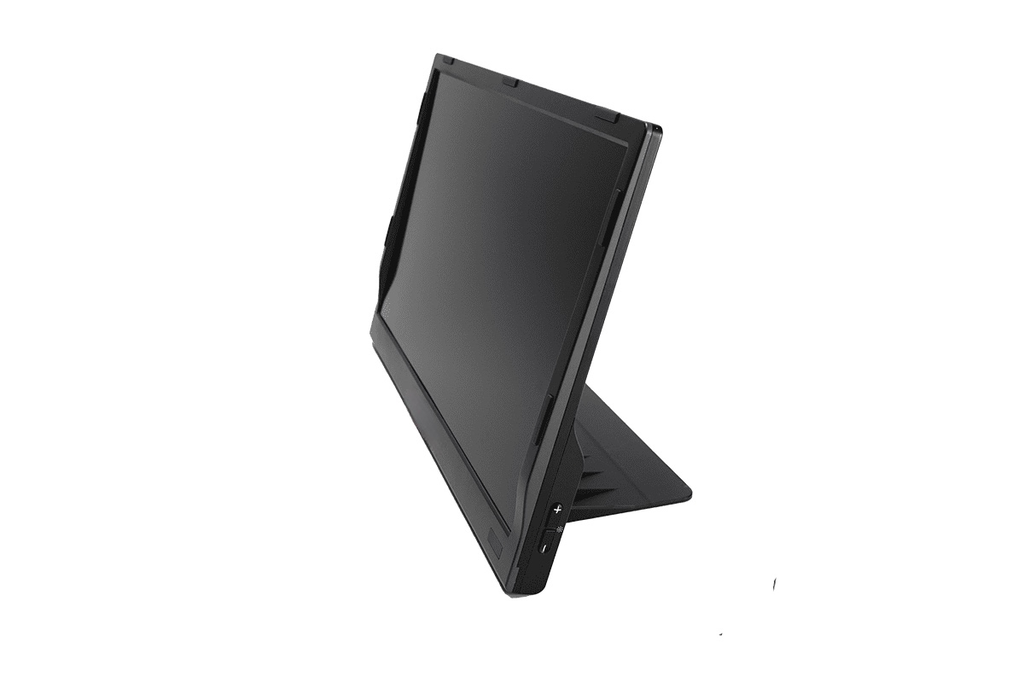
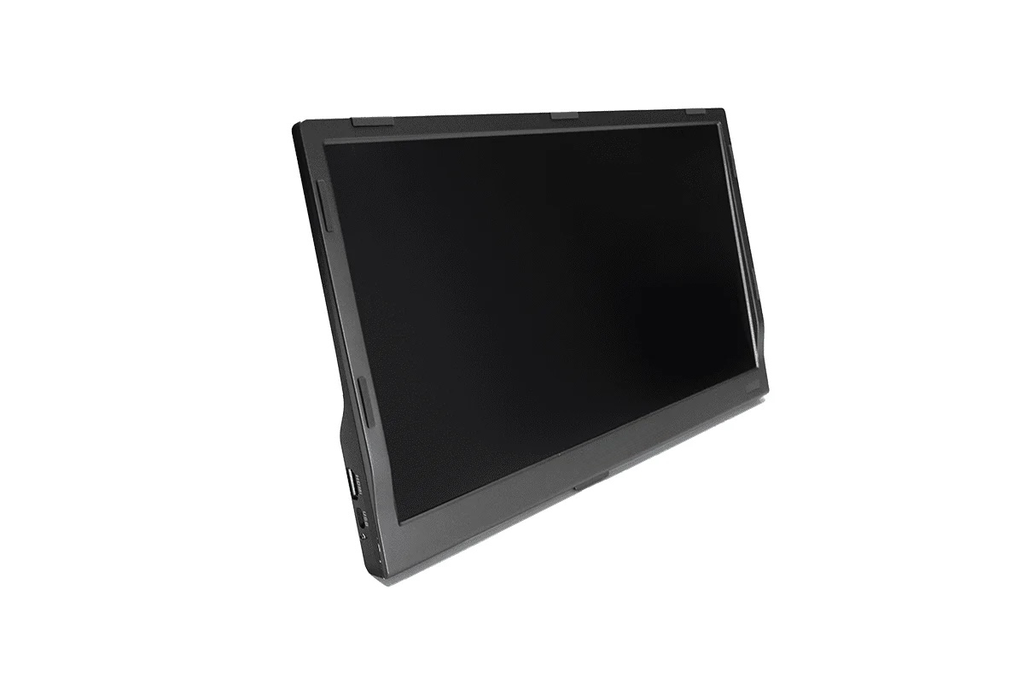
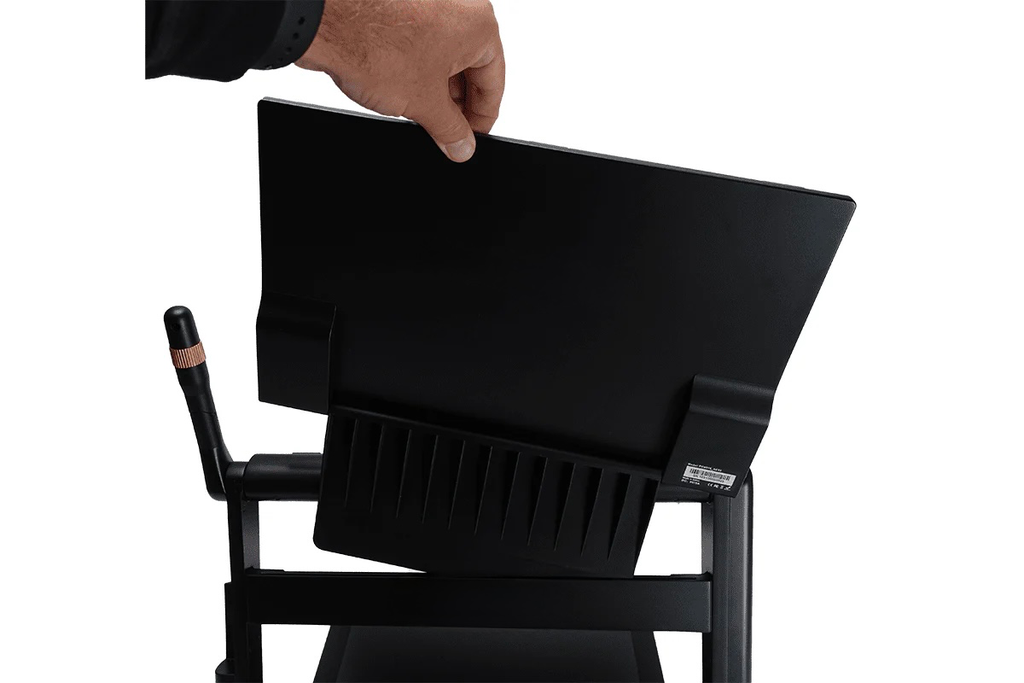
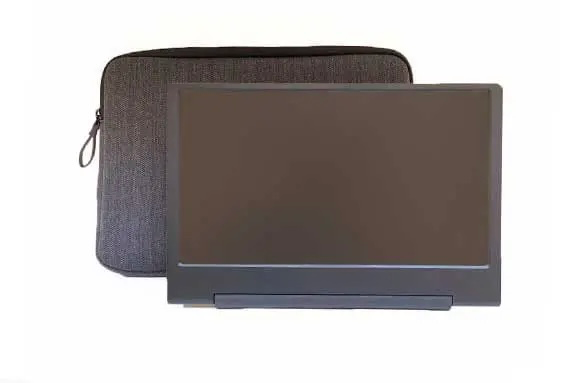
Füügt en extra 12,5 Zoll FHD Bildschierm op Äre CloverBook Pro!
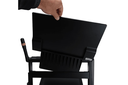
Add an additional 12.5″ full-HD screen to your CloverBook Pro to double your viewing area and essentially upgrade your device in the process; with unique reading-orientation, split-screen and computer-connect features added, using the CloverView external screen.
Midd Dir Är Plaz ze verléieren?
When you zoom in, it can be difficult to find your place when you need to move to the start of a new line or find another column in the newspaper. Viewing spreadsheets and other documents can be troubling, since you only see a small part of the page that is magnified and can easily lose your orientation. Luckily, CloverBook Pro has the answer!
Andeems Dir de MANO EDU Écran op MANO EDU bäidréit, mécht Dir eng eenzegaarteg Method fir Dokumentnavigatioun op, sou datt Dir Är Plaz ni verléiert. Een Écran hëlleft Iech Är Orientéierung ze halen an deen aneren Écran weist déi zooméiert Vue. Hei ass wéi et funktionnéiert:
When you long-press the Zoom wheel on the CloverBook Pro, its screen displays a 1x view of the document, so you always have a bird’s eye view. The CloverView additional screen shows the zoomed view, magnifying whatever is within the focus rectangle that displays on the 1x orientation screen. You can use the joystick to move the zoom rectangle around. Or simply move your finger on the touchscreen to put the zoom focus wherever you are touching. It is simple to read along a line of text and quickly zip your finger to the start of the next line. You can move quickly around spreadsheets and never lose your orientation. Finally, a way to read magnified documents and never lose your orientation!
Wëllt Dir méi vun Ärem Split-Screen?
The CloverView additional screen doubles the effectiveness of CloverBook Pro’s split-screen function. Instead of splitting the CloverBook Pro screen, you get a screen dedicated for distance or self view and a separate screen for close/desk view. Use either screen for close or distance views and easily change magnification and contrast on each screen, independently.
Must och mat engem Computer verbannen:
If you’d like to make CloverBook Pro into an all-in-one mag/workstation, just unplug the cord to the CloverView external screen and plug it into a computer. The CloverView screen will then become an extra monitor for your computer, or take the place of your computer monitor (if desk space is tight). You can also use CloverBook Pro’s split-screen feature, and you’ll get a view of your computer, your desk/close camera view and your distance camera view – all at once!
Adding the CloverView external screen does so much more than simply increase your screen real estate; it creates an entirely new reading experience!
Spezifikatioune
- Bildschirmgréisst: 12,5 Zoll Touchscreen
- Resolutioun: 1920 x 1080 Pixel
- Verbindung: HDMI
- Gewiicht: 1,3 lbs
- Dimensiounen: 12" x 8" x 0.5"