

Description
Screen magnification and reading for all people with visual impairments
- Both for visually impaired and blind PC users and for people needing a combination of magnification, voice assistance and/or braille assistance.
- Magnification (up to 64 times), text-to-speech and braille display on your Windows PC. Customization of help by the user.
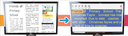
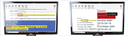
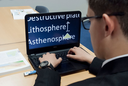
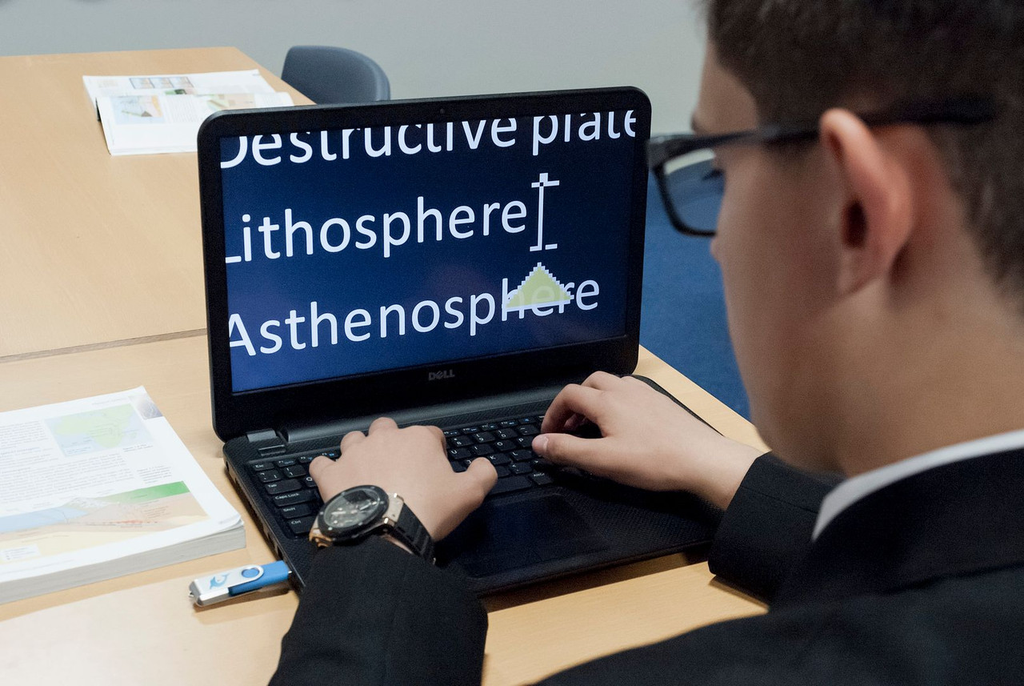
- Enlarges the screen while preserving letter quality, increases contrast and improves colors and visibility of the mouse and cursor.
- Reads all information displayed on the screen aloud, adds convenient functions to the keyboard and reading ruler so that you can reduce or even eliminate the use of the mouse and transfer all information on the reading ruler to Braille.
- Pleasant voices, in several languages, describe each key pressed. Read aloud letters, words, arrow and tab keys, paragraphs and entire texts at your convenience and according to your preferences.
- Support for all uses of a PC: Windows Explorer, documents, spreadsheets, emails, online forms, accessible applications and web pages, etc.
- Both for classic PCs and for touch screen PCs, with one or more screens at the same time.
- Additional reading functions such as reading/downloading information online (www.anderslezen.be, Bookshare, Project Gutenberg, podcasts, etc.) or scanning and recognizing (OCR) printed documents and inaccessible PDF files.
- The Enterprise version allows you to work remotely (CITRIX, VPN, Remote Desktop, etc.). Multi-user licenses allow use by several people.
- Available as a CD license with three activations or as a USB license (Guest mode) for use on multiple PCs.
- Suitable for organizations, associations or schools where blind and visually impaired users work on the same PCs.
- Compatible with the Google Chrome Internet browser and the Windows Mail email client.
Enlargement
- From 1.2 to 64 times: adjustable magnification using mouse, keyboard or touch screen
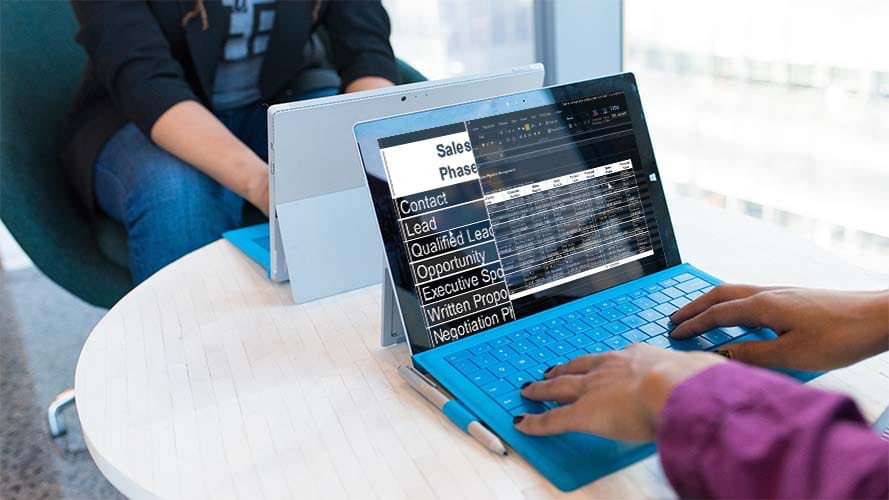
- 8 different screen layouts: full screen, magnifier, split screen, etc.
- Automatic mouse tracking: You never lose sight of the mouse, even at high magnifications.
- Enlarging the touch screen
- Color Schemes: Set the color palette or select a pre-programmed color scheme.
- Visual highlighting for better visibility of mouse, cursor and selected elements
- Simultaneous use of multiple screens
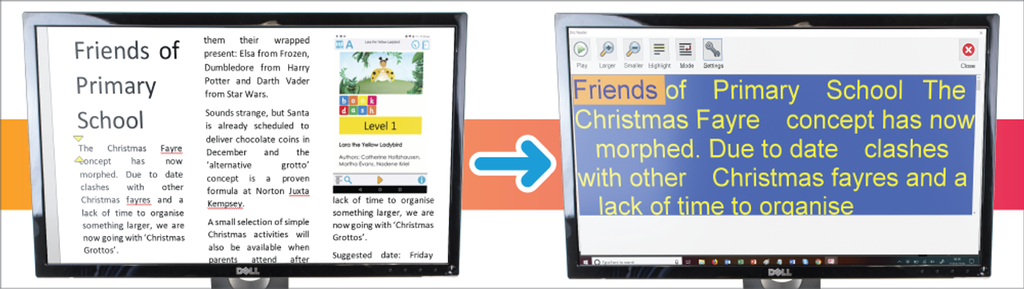
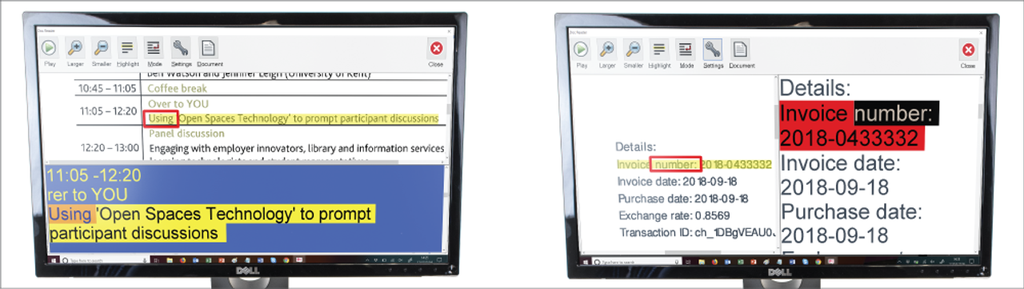
- Comfortable reading and enlarging: scrolling text on one line (Light Diary), deleting the layout (Doc Reader), setting the screen margin around the enlarged image, anchoring enlarged areas on the screen, etc.
- With True Fonts, enlarged text looks even sharper in the latest Windows 8 apps.
- Ability to connect an external camera as a screen magnifier.
- The “Connect & View” allows connection to the school’s interactive whiteboard.
Speech synthesis and braille
- SAPI support for speech recognition software
- Human voices in multiple languages
- Scan and read aloud: Simply connect a scanner to read printed materials aloud. PDF files are read aloud in Adobe Reader using a simple keyboard shortcut.
- Online Library: Access to several Daisy libraries around the world, including books, newspapers and magazines.
- The Launch Pad lets you listen to Internet radio, podcasts, RSS feeds, weather reports, and more.
- You can get information about layout, text attributes, letter size, spelling and grammar errors, etc.
- Verbosity settings allow you to select which information is read aloud or written in braille.
- SuperNova Magnifier & Screenreader supports 6 and 8 point braille.
- SuperNova Magnifier & Screenreader supports over 60 Braille reading rules including Freedom Scientific (Focus), Humanware (Brailliant) and Papenmeier (Braillex) devices.
- Screen reading program with braille support
General
- Clear adjustment panel: clear icons, sharp magnification without pixelation, accessibility via keyboard.
- Clever navigation shortcuts for quickly and structured navigation through documents, web pages, PDF files, etc.
- Automatic form mode helps you fill out forms online.
- Selection and search functions adapted from the keyboard: Dolphin Cursor, middle, left and right clicks, mouse wheel, drag/drop, etc.
- Library
- The SuperNova Magnifier & Screen Reader 16 is compatible with Windows 7 (and latest updates), 8.1 and 10.
- The program can be used on Windows Pro tablets, laptops and desktop PCs.
- Enterprise version: support for Citrix and Remote Desktop
- Available on CD or USB stick
Specifications
System requirements
- Computer and processor
- Processor (x86 or x64) compatible with 1.5 gigahertz (GHz) or higher with SSE2. Virtually all processors manufactured after 2003 meet this requirement.
- Memory: 2 GB of random access memory (RAM)
- Storage: 5 GB space available on hard drive
- Operating system:
- Windows 7 (no longer compatible with version 18)
- Windows 8.1
- Windows 10
- Local Office 365 is compatible, Office 365 by subscription via the cloud is not yet.
- LibreOffice is partially supported, depending on the version.
- Screen resolution: 800 x 600 minimum
- Graphics card with at least 128MB of RAM
- Windows 8.1/10 – for support for multiple displays at once. All displays must be connected to the same graphics card.
- Audio card/speakers/headphones for speech synthesis.
- Internet connection required for automatic updates
- Media Internet Download or install from DVD.
Technical Characteristics
|
SKU |
ART-20663 |
|
Magnification |
oui |
|
Speech synthesis |
oui |
|
Screen reading |
oui |
|
Braille display |
oui |
|
Text recognition |
oui |