


Description
Screen magnification program with speech synthesis to reduce visual fatigue or increase productivity
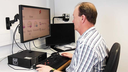
- For visually impaired PC users who need a speech enlargement and text-to-speech program.
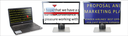
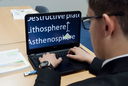
- Magnification (up to 64 times) and text-to-speech on your Windows PC. Customization of help by the user.
- Enlarges the screen while preserving letter quality, increases contrast and improves colors and visibility of the mouse and cursor.
- Reads all on-screen information aloud, adding convenient features to your keyboard so you can reduce or even eliminate mouse use.
- Pleasant voices, in several languages, describe each key pressed. Read aloud letters, words, arrow and tab keys, paragraphs and entire texts at your convenience and according to your preferences.
- Support for all uses of a PC: Windows Explorer, documents, spreadsheets, emails, online forms, accessible applications and web pages, etc.
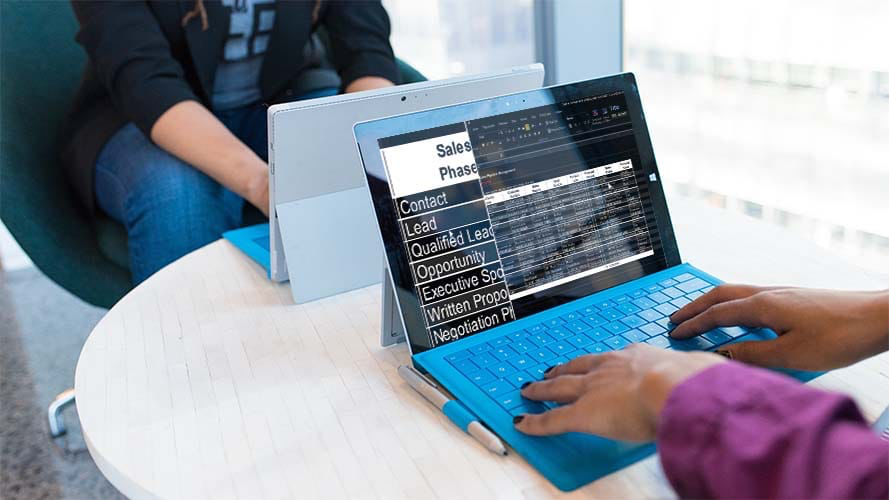
- Both for classic PCs and for touch screen PCs, with one or more screens at the same time.
- Fonctions de lecture supplémentaires telles que la lecture/le téléchargement d’informations en ligne (www.anderslezen.be, Bookshare, Projet Gutenberg, podcasts, etc.) ou la numérisation et la reconnaissance (ROC) de documents imprimés et de fichiers PDF inaccessibles.
- The Enterprise version allows you to work remotely (CITRIX, VPN, Remote Desktop, etc.). Multi-user licenses allow use by several people.
- Available as a CD license with three activations or as a USB license (Guest mode) for use on multiple PCs.
Enlargement
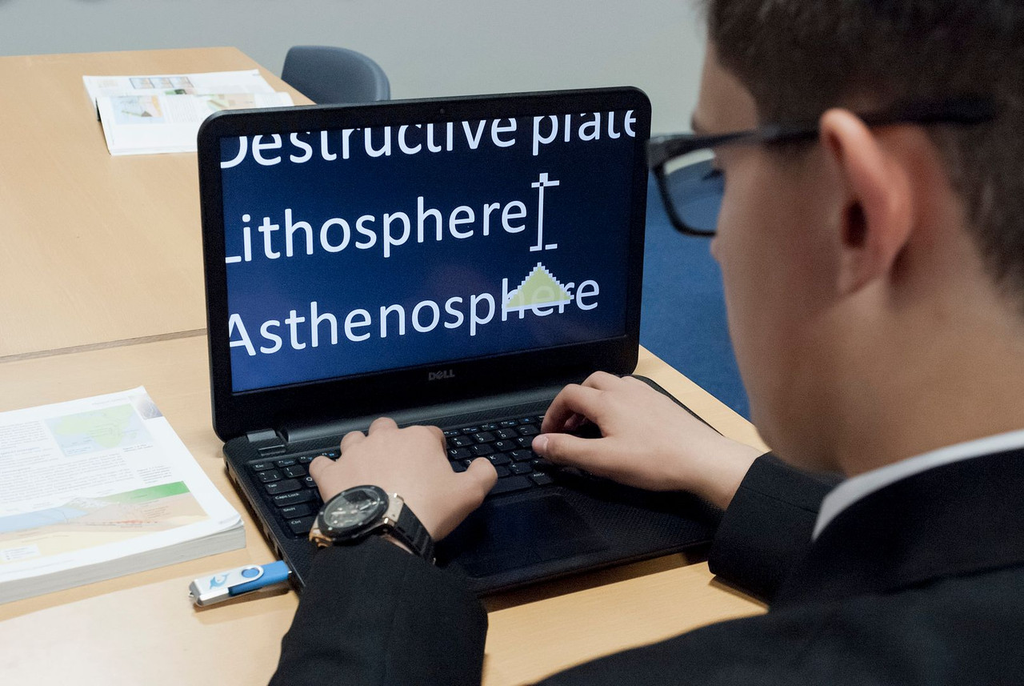
- From 1.2 to 64 times: adjustable magnification using mouse, keyboard or touch screen
- 8 different screen layouts: full screen, magnifier, split screen, etc.
- Automatic mouse tracking: You never lose sight of the mouse, even at high magnifications.
- Enlarging the touch screen
- Color Schemes: Set the color palette or select a pre-programmed color scheme.
- Visual highlighting for better visibility of mouse, cursor and selected elements
- Simultaneous use of multiple screens
- Comfortable reading and enlarging: scrolling text on one line (Light Diary), deleting the layout (Doc Reader), setting the screen margin around the enlarged image, anchoring enlarged areas on the screen, etc.
- With True Fonts, enlarged text looks even sharper in the latest Windows 8 apps.
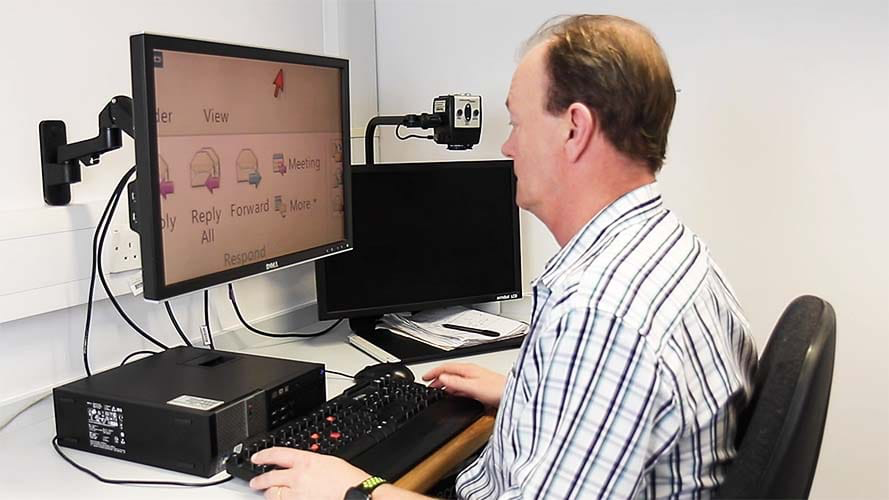
- Ability to connect an external camera as a screen magnifier.
- The “Connect & View” allows connection to the school’s interactive whiteboard.
- Speech synthesis
- SAPI support for speech recognition software
- Human voices in multiple languages
- Scan and read aloud: Simply connect a scanner to read printed materials aloud. PDF files are read aloud in Adobe Reader using a simple keyboard shortcut.
- Bibliothèque en ligne : accès à plusieurs bibliothèques Daisy dans le monde entier, dont des livres, des journaux et des magazines en néerlandais (voir également le site www.anderslezen.be).www.anderslezen.be).
- The Launch Pad lets you listen to Internet radio, podcasts, RSS feeds, weather reports, and more.
- You can get information about layout, text attributes, letter size, spelling and grammar errors, etc.
- Verbosity settings allow you to select what information is read aloud.
General
- Clear adjustment panel: clear icons, sharp magnification without pixelation, accessibility via keyboard.
- Clever navigation shortcuts for quickly and structured navigation through documents, web pages, PDF files, etc.
- Automatic form mode helps you fill out forms online.
- Selection and search functions adapted from the keyboard: Dolphin Cursor, middle, left and right clicks, mouse wheel, drag/drop, etc.
- Library
- SuperNova Magnifier & Speech 16 is compatible with Windows 7 (plus latest updates), 8.1, and 10.
- The program can be used on Windows Pro tablets, laptops and desktop PCs.
- Enterprise version: support for Citrix and Remote Desktop
- Available on CD or USB stick
Specifications
System requirements
- Computer and processor
- Processor (x86 or x64) compatible with 1.5 gigahertz (GHz) or higher with SSE2. Virtually all processors manufactured after 2003 meet this requirement.
- Memory: 2 GB of random access memory (RAM)
- Storage: 5 GB space available on hard drive
- Operating system:
- Windows 7 (no longer compatible with version 18)
- Windows 8.1
- Windows 10
- Local Office 365 is compatible, Office 365 by subscription via the cloud is not yet.
- LibreOffice is partially supported, depending on the version.
- Screen resolution: 800 x 600 minimum
- Graphics card with at least 128MB of RAM
- Windows 8.1/10 – for support for multiple displays at once. All displays must be connected to the same graphics card.
- Audio card/speakers/headphones for speech synthesis.
- Internet connection required for automatic updates
- Media Internet Download or install from DVD.
Technical characteristics
|
SKU |
ART-20665 |
|
Magnification |
oui |
|
Speech synthesis |
oui |
|
Screen reading |
non |
|
Braille display |
non |
|
Text recognition |
non |