
Description
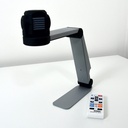
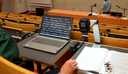
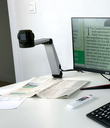
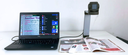
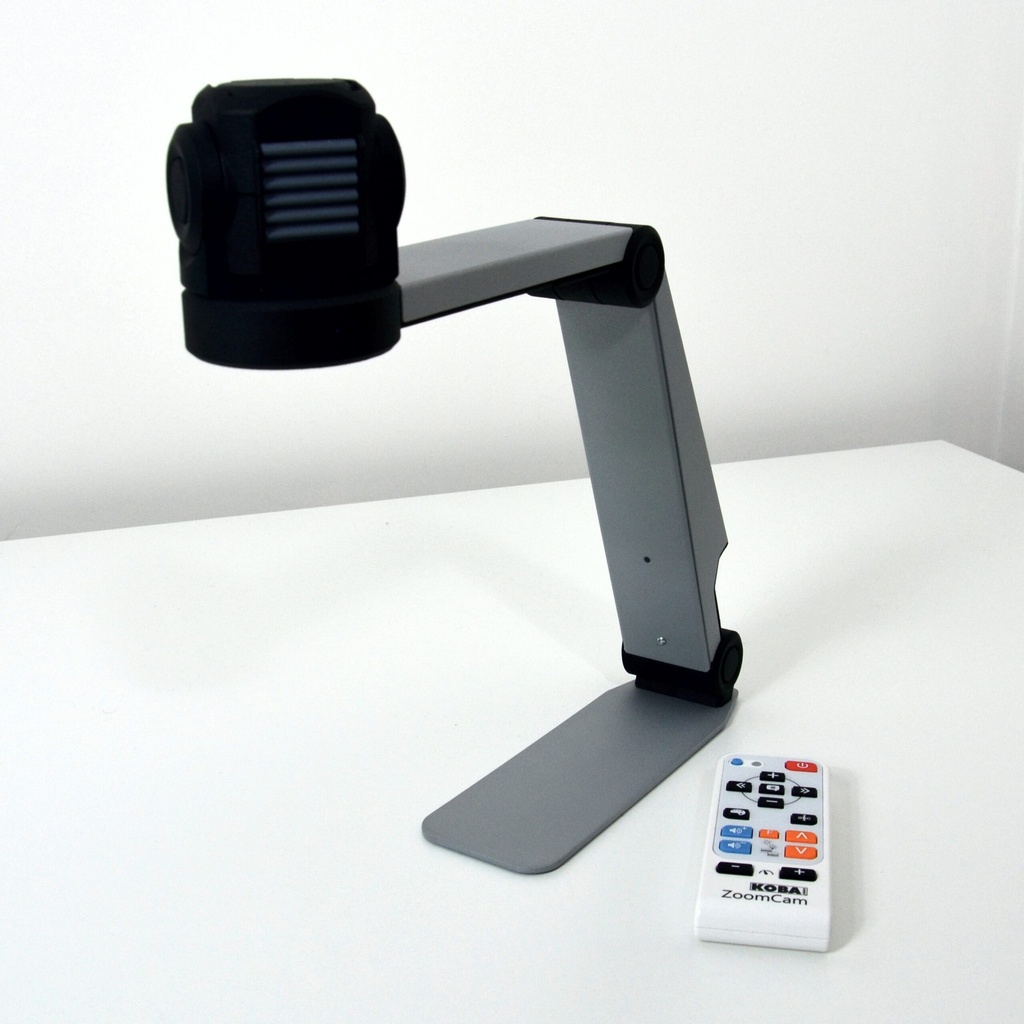
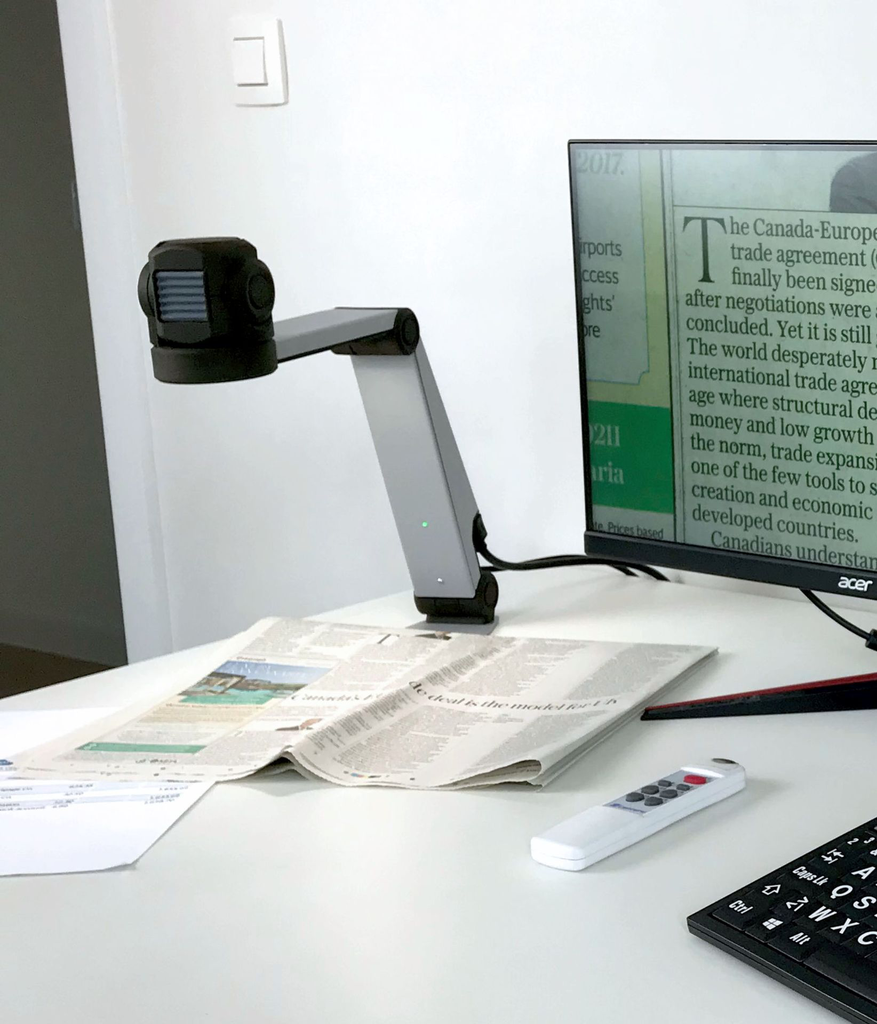
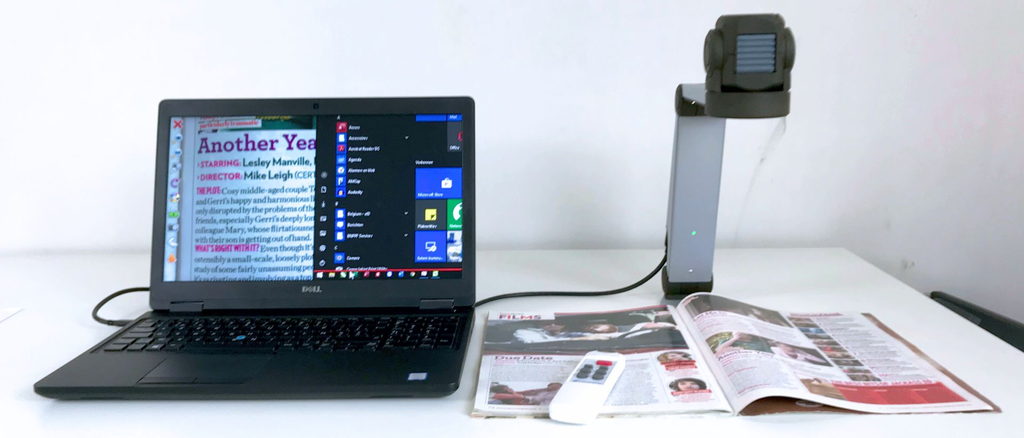
ZoomCam Speech is a professional portable video magnifier with voice feedback allowing you, wherever you are, to read on a computer, screen or tablet. Ideal for enlarging texts and listening to newspapers and books or even looking at photos and objects. This is a discreet solution, with the appearance of a desk lamp. The ZoomCam is plug-and-play, compact and easy to use. The Full HD image is particularly clear and relaxing for an optimal reading experience. No additional software needs to be installed to view the image or read aloud, just plug it in and start using ZoomCam Speech.
Ready to use
The camera is installed in 2 movements. Connect the cable and the image appears as soon as you press the button. Thanks to the 2D camera head and fixed conversion lens, you can start playing immediately. ZoomCam Speech is designed to respond easily and quickly to changes in the work environment.
Full HD
The Full HD camera presents a very sharp image with high contrast. The image is particularly stable and relaxing for an optimal viewing and reading experience, even in darker spaces, thanks to the integrated LED lighting providing additional light. With the extra wide viewing angle of 23 cm, the ZoomCam image covers the width of the page.
Speech
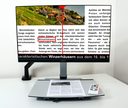
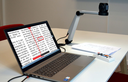
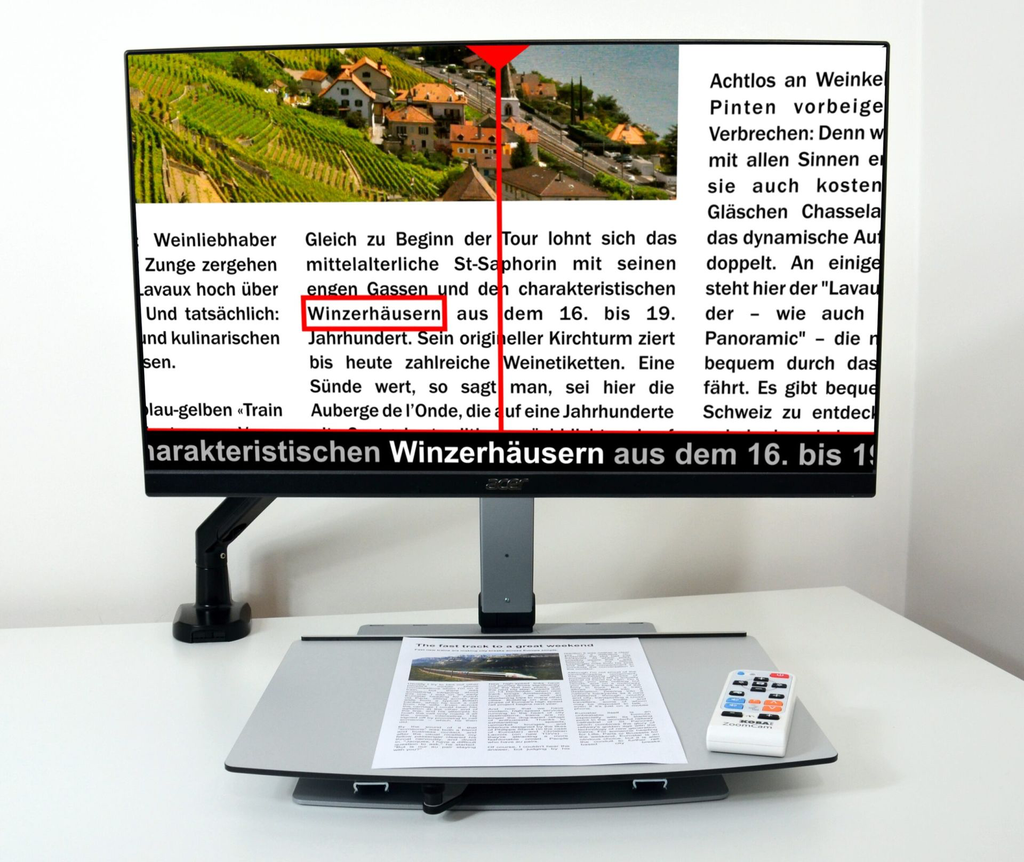
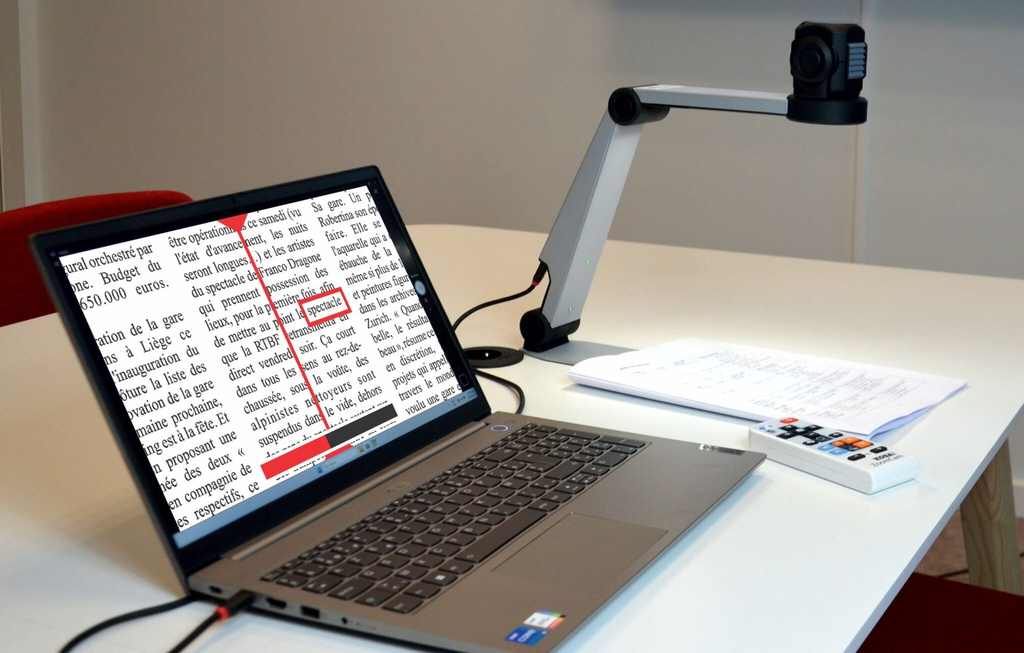
The ZoomCam Speech has a built-in reading function that reads all text printed on the screen of your TV, monitor, computer or tablet. The combination of video magnifier and reading system makes reading enjoyable. It increases your reading speed for large and complex texts and you will enjoy reading for longer because your eyes no longer get tired. Just select the text on the screen. Playback begins immediately. A red rectangle around the word follows the text. This way you know where you are and keep an overview of the page. 34 languages and a choice of male or female voices make listening truly enjoyable.
Smart reading function
With the smart reading feature, ZoomCam Speech reads entire pages without pauses by moving the text under the camera. The device recognizes the new text, integrates it and continues reading.
With ZoomCam Speech, you don't lose your overview. You no longer need to switch from magnification mode to reading mode. The device always shows the video image in real time. The device is therefore very fast and the layout of titles, columns and photos is always preserved.
Reading and distance camera
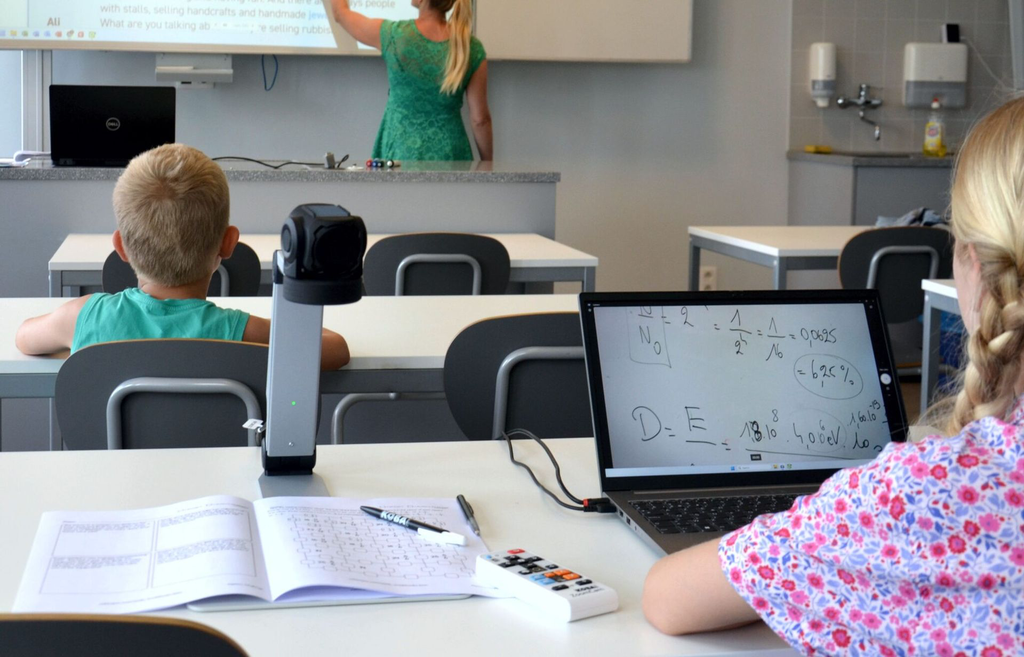
The ZoomCam Speech is equipped with a reading and distance camera. Switching between reading and watching remotely is simple, thanks to the camera's 3-dimensional movements. The motion sensor memorizes the settings specific to reading and remote viewing.
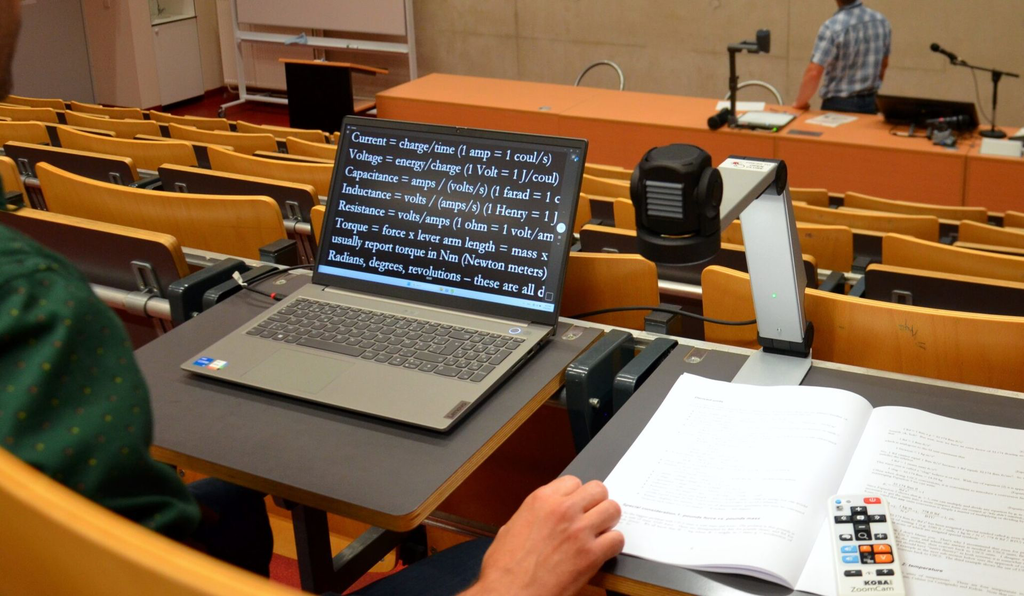
Use reading mode to enlarge texts in books and documents. In remote viewing mode, the ZoomCam allows you to look at the board, a presentation or see yourself in the mirror.
Compact, portable and discreet
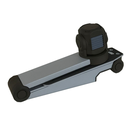
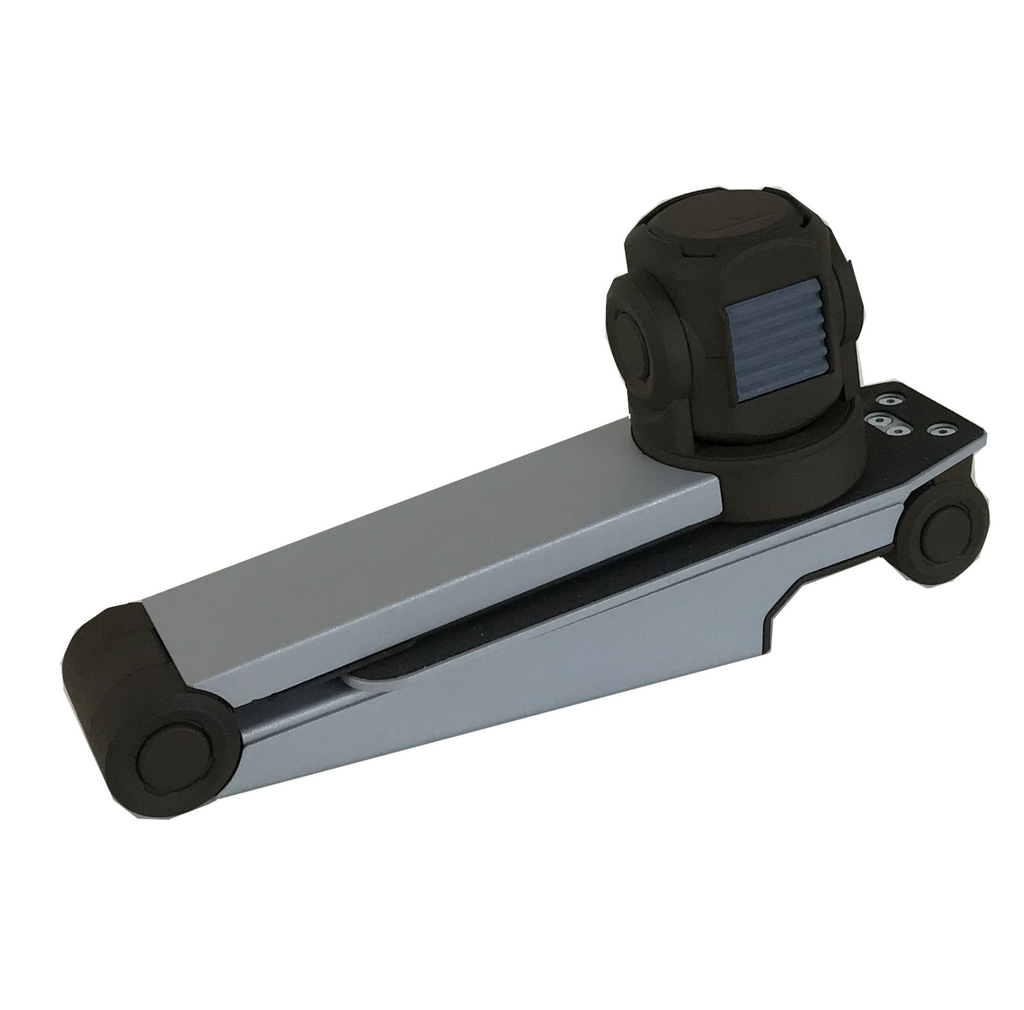
La ZoomCam a l’aspect d’une lampe de bureau et constitue un bel accessoire sur chaque bureau. Grâce à sa conception compacte, vous pouvez la ranger, mais tout aussi facilement la réinstaller. You have the choice of a compact left or right installation, or you can opt for an installation with the camera on the front, in order to view a full A3 sheet. Its compact dimensions and light weight allow you to easily slip it into a backpack alongside a computer or tablet.
Simplicity
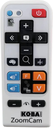
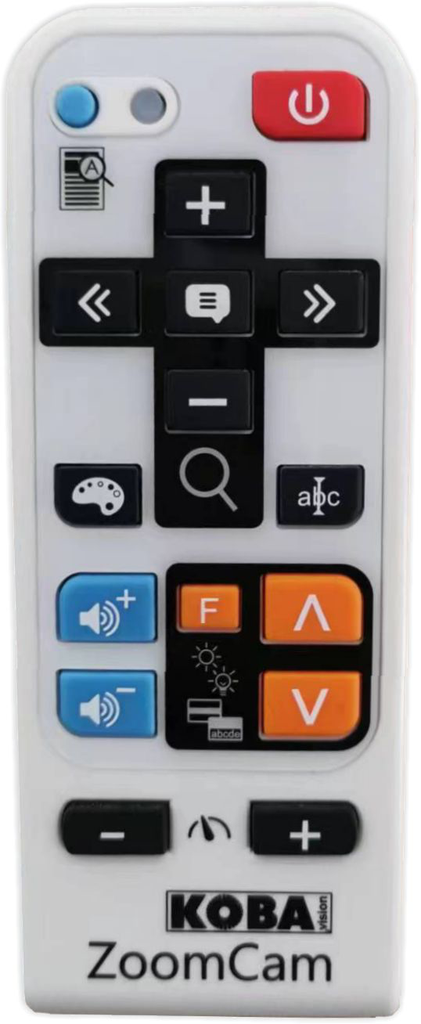
The ZoomCam has an easy-to-use wireless remote control. In addition to magnification, the ZoomCam offers a range of other possibilities. High contrast, negative or positive colors, clarity adjustment, extensive background filtering, dimmable lighting and even reading line are all settings you can adjust easily. The ZoomCam always remembers the last settings, so you can immediately find them and get back to your activity.
Plug & Play
With hassle-free, software-free installation, ZoomCam Speech is ready to use. Just plug it in and watch. On your computer or tablet, combine it with your own SuperNova or ZoomText enlargement software, with full image or split screen option. If you don't have enlarging software, use standard video software, such as Windows Camera or Quick Camera on Mac. On a TV screen or monitor, simply plug in the included HDMI cable and go!
Specifications
- Enlargement:
- 11.2 tablet screen: 1.1x – 24.8x
- 15.6 laptop screen: 1.5x – 34.6x
- Ecran 22″: 2x – 47,5x
- Ecran 27″: 2,6x – 60x
- Ecran 32″: 3x – 70x
- Ecran 43″: 4,1x – 94,5x
- Connections:
- 2x USB-C
- 1x HDMI
- Image quality: Full HD (1920 x 1080, 60 fps)
- Max viewing angle (width): 230 mm
- Min. viewing angle (width): 10mm
- Remote controls
- Reading modes: Color display + 28 color combinations
- Autofocus
- LED lighting (adjustable)
- Background filtering
- Brightness
- reading line
- Scrolling text
- Read aloud system over HDMI and USB-C
- Instant
- Continuous playback
- Word and phrase navigation
- 100 voices – 34 languages
- USB 3 computer mode:
- Full screen
- USB 3.0 Split Display by ZoomText 10 or later and SuperNova 15.03 or later
- Compatibility: Windows, MacOS, iPadOS 17 or later, Chrome OS, Android, Linux
- Dimensions (Height x Width x Depth)
- Open: length: 350 mm, width: 70 mm, height: 335 mm
- Closed: Length: 278 mm, Width: 70 mm, Height: 143 mm
- Weight: 1300 gram
- Warranty: 2 years
- Content:
- ZoomCam Camera
- Reading tray
- 2x Remote control
- 2x AAA batteries
- Case
- Câble HDMI – HDMI
- USB-C – USB-C 3 cable
- USB-C – USB-A 3 cable
- Food
- Support-T