


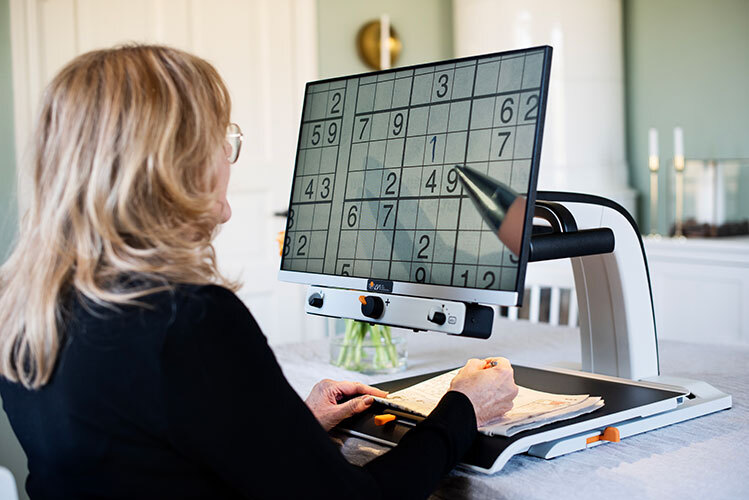
Description
Plug and play
Connect MagniLink Vision Basic FHD to a power outlet, start the product and you are ready to start using your video magnifier!
Easy for everyone
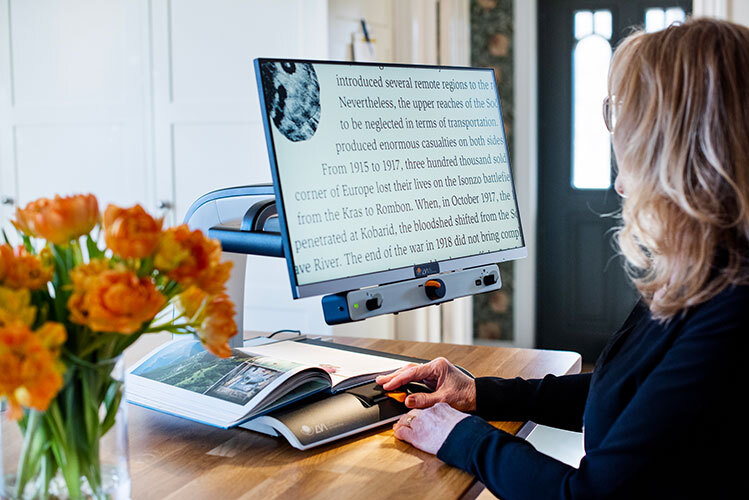
MagniLink Vision Basic FHD is incredible easy to use, which makes it very popular even among older users.
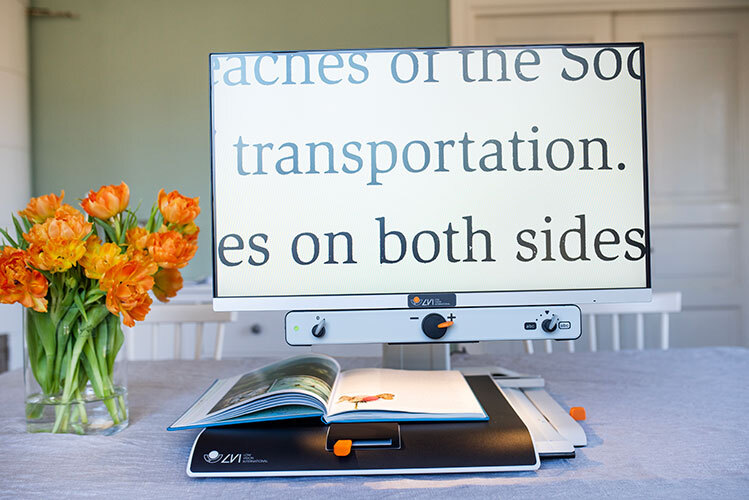
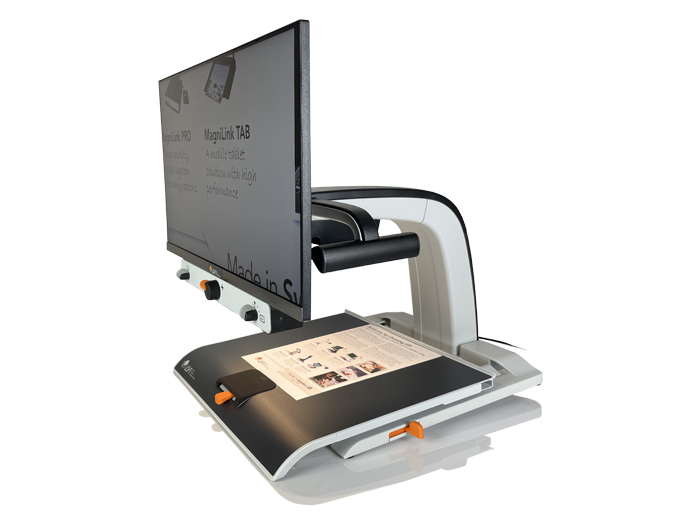
The video magnifier has tactile control knobs, which are ergonomically placed directly below the screen. Easy control with 3-knobs panel. The screen can be adjusted in height, is tiltable and is available in two different sizes. Choose between a 24” or 27” screen in widescreen format.
Stable reading table
MagniLink Vision Basic FHD is equipped with a high-quality reading table, which has friction brakes in the X and Y directions. The brakes can be used to provide higher resistance when the reading table is moved sideways and/or forwards/backwards. They can also be used to lock the reading table during transport.
Image quality and design
The video magnifier has a flicker-free and stable image with high contrast and clear colours. MagniLink Vision Basic FHD is ergonomically designed for maximum ease of use and has a screen with a slim design for a modern expression.
Features and benefits
- High quality
- Easy-to-use control panel with logical and tactile knobs
- Screen in widescreen format with high contrast and brightness
- Stable and robust reading table
- High image quality (FHD) with stable, flicker-free image
- Modern LED lighting for even light level over the entire reading table
- Good ergonomics
Listen and read at the same time : choose MLV TTS
There is also a version of MagniLink Vision Basic with TTS where you get the best of both worlds – a high-quality video magnifier and a reading machine in the same product. The system is equipped with a built-in speaker and software for a speech function so you can have your texts read aloud. This leads to increased reading speed, endurance and a more relaxed reading. The spoken text is synchronized with the text on the screen. You choose how you want the text to be presented, for example word by word or line by line. Easy to use To OCR a text and have it read aloud, use the included external controller - just press the orange button and the text will be converted to speech!
The TTS option cannot be selected afterwards but must be ordered at the time of purchase as the speaker is factory installed.
Specifications
MagniLink Vision Basic FHD 24“
Magnification 2,0-70x
Weight 12,5 kg
Height 53 - 63 cm*
Depth 47 cm
Foot, width 42,5 cm
Screen dimensions 54 x 32 cm (WxH)
Reading table, dim. 42,5 x 40 cm (WxD)
*Varies depending on height setting
MagniLink Vision Basic FHD 27”
Magnification 2,4-85x
Weight 13,0 kg
Height 57 - 67 cm*
Depth 47 cm
Foot, width 42,5 cm
Screen dimensions 61 x 36 cm (WxH)
Reading table, dim. 42,5 x 40 cm (WxD)
*Varies depending on height setting