Description
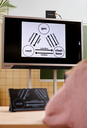
Do you want to make the interactive whiteboard accessible to visually impaired people?
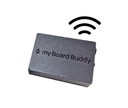
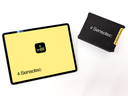
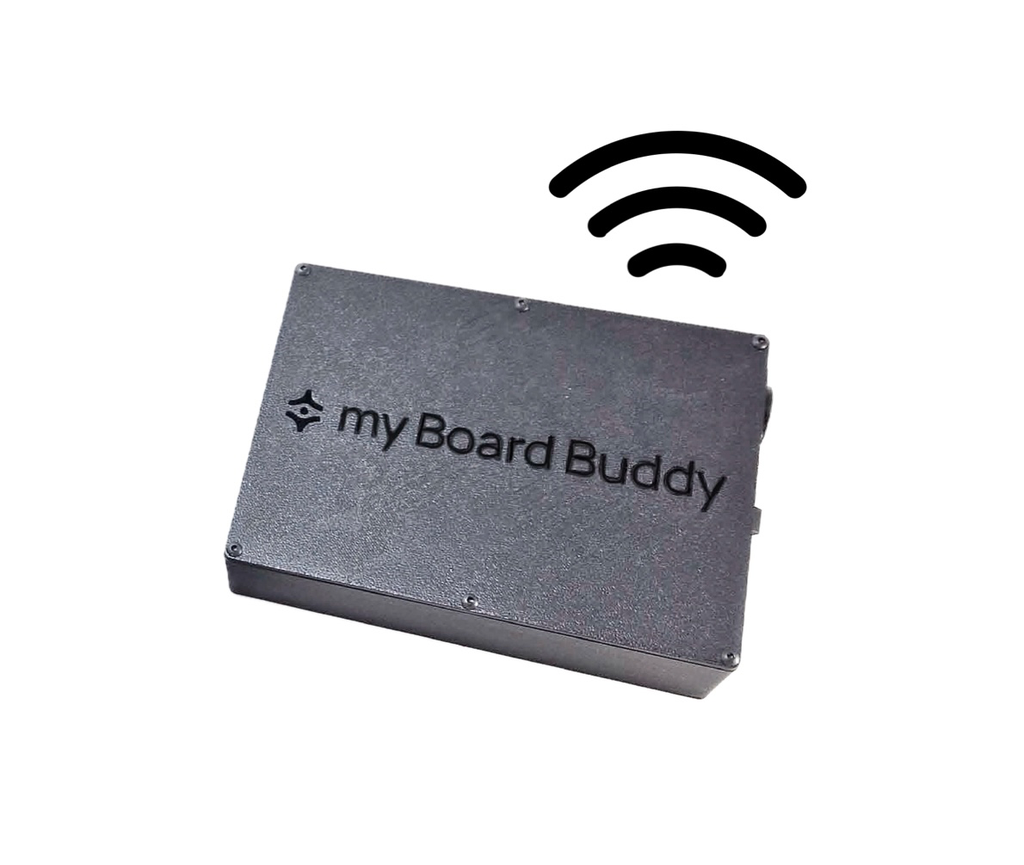
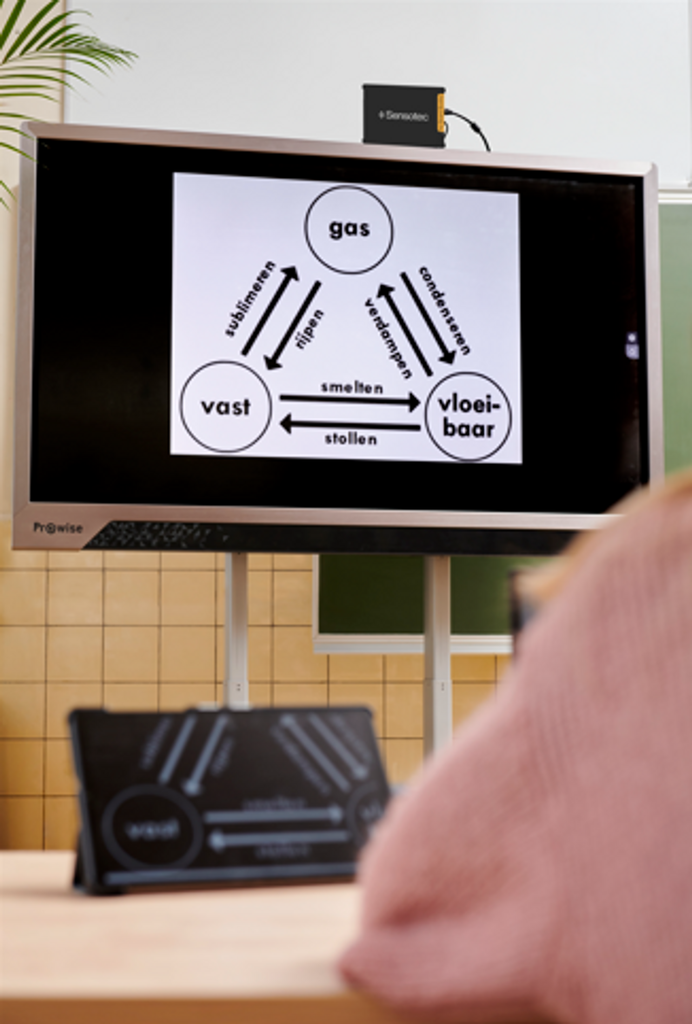
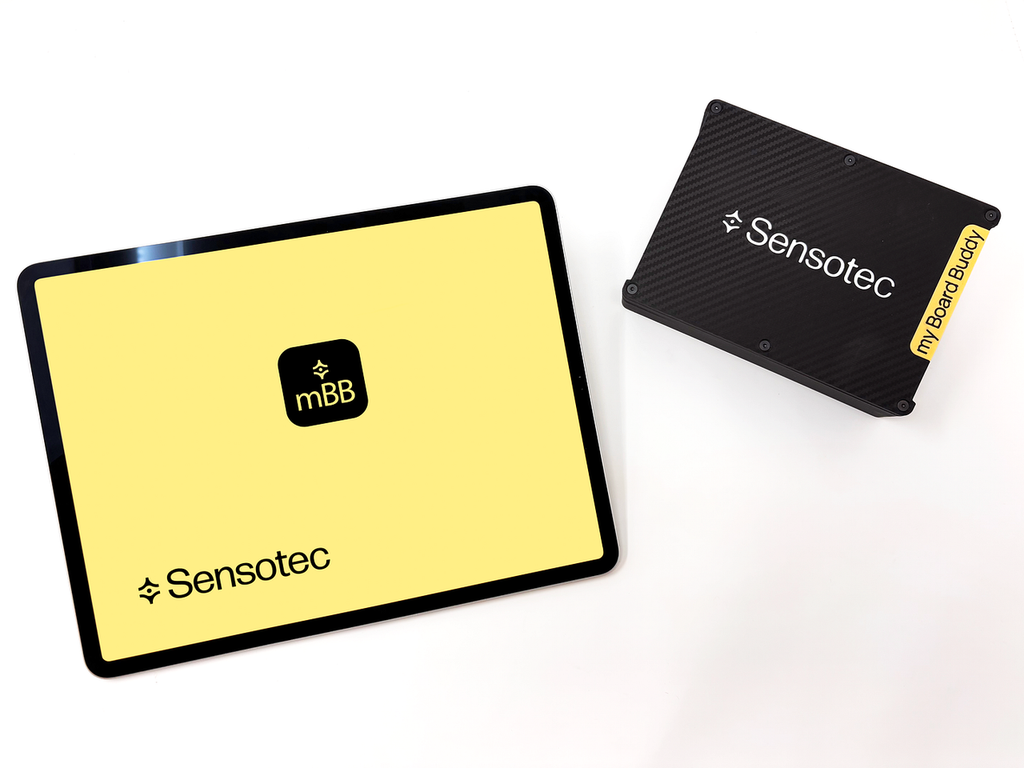
My Board Buddy GO consists of a transmitter and a tablet application that makes digital presentations accessible. Wireless transmission of digital media such as interactive displays, video projectors as well as tablet or screen presentations.
A camera that takes an image of a digital whiteboard or projection is not enough. A specific solution for the interactive whiteboard is required.
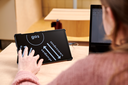
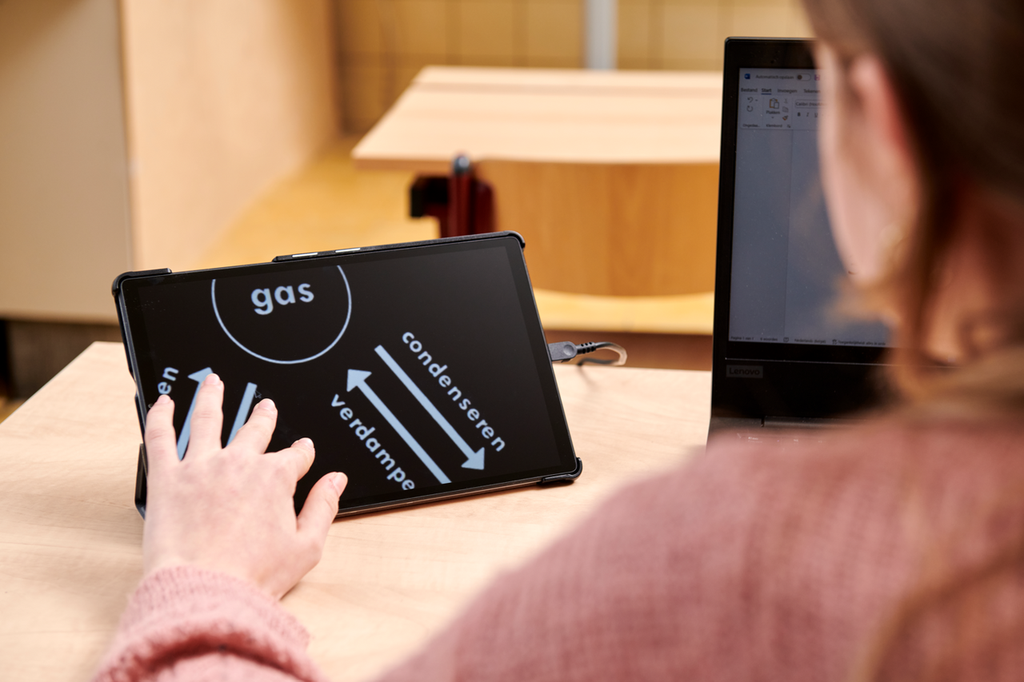
My Board Buddy GO permet à un étudiant ou à un employé malvoyant de régler lui-même le grossissement et le contraste des couleurs d’un tableau interactif ou d’une présentation numérique en haute qualité sur sa tablette située à proximité sans affecter l’image du tableau interactif à l’aide de ses doigts. All screen content is displayed with minimal delay: text, photo, video and notes are transmitted live.
It is the best solution for mobile users who often change locations or classrooms.
My Board Buddy GO is the answer
- 3 installation steps
- Wireless connection
- Easy to move
- Magnification using the app
- Get started in the blink of an eye
Comment fonctionne le my Board Buddy GO?
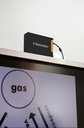
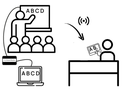
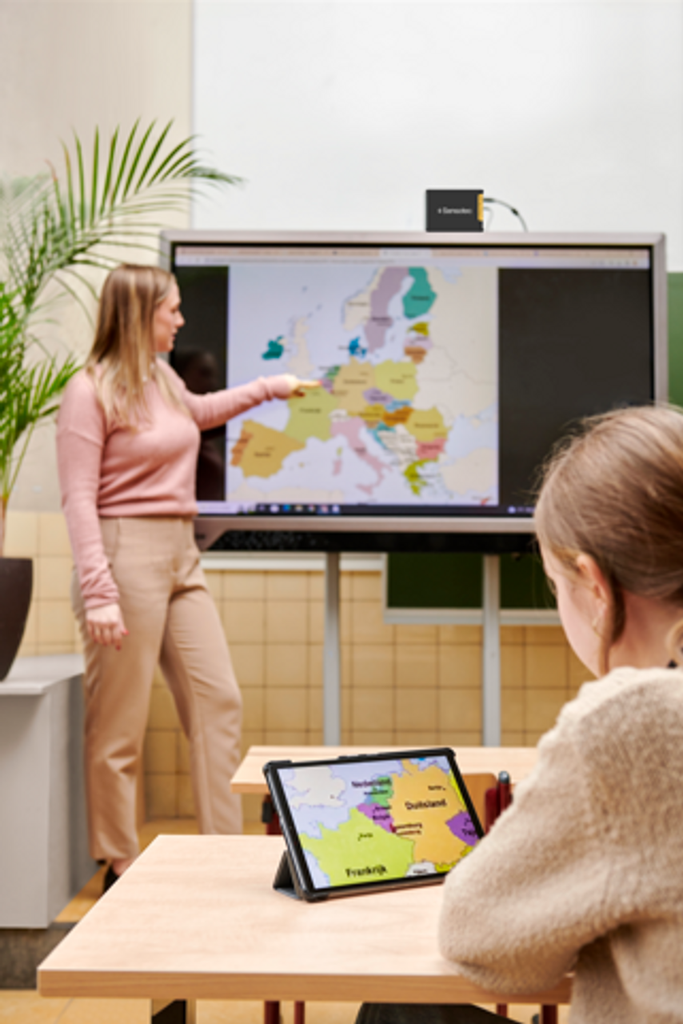
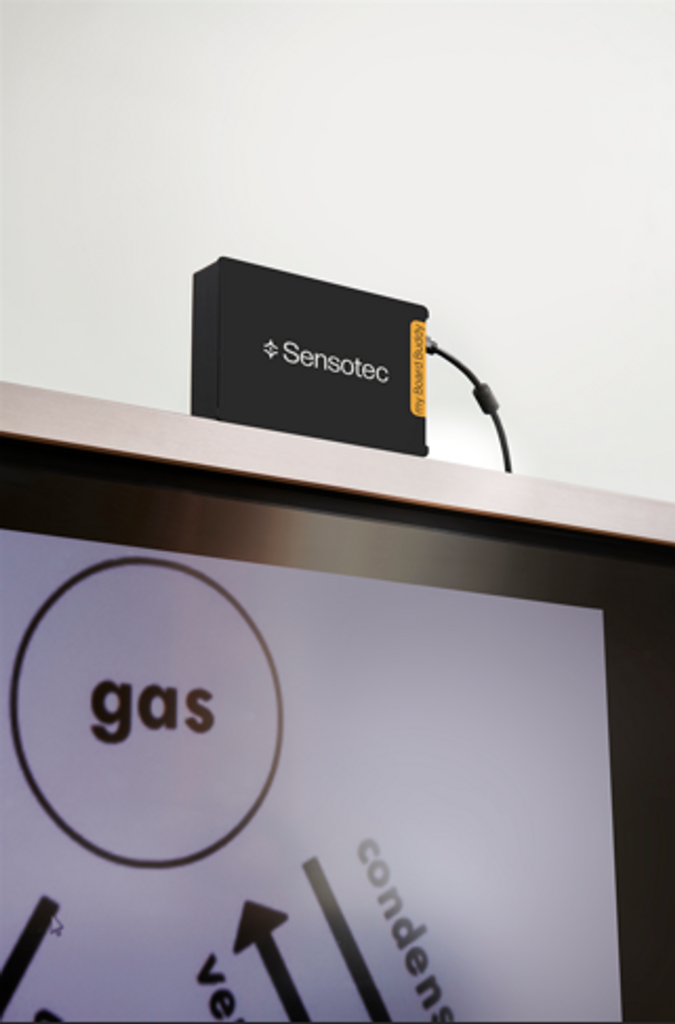
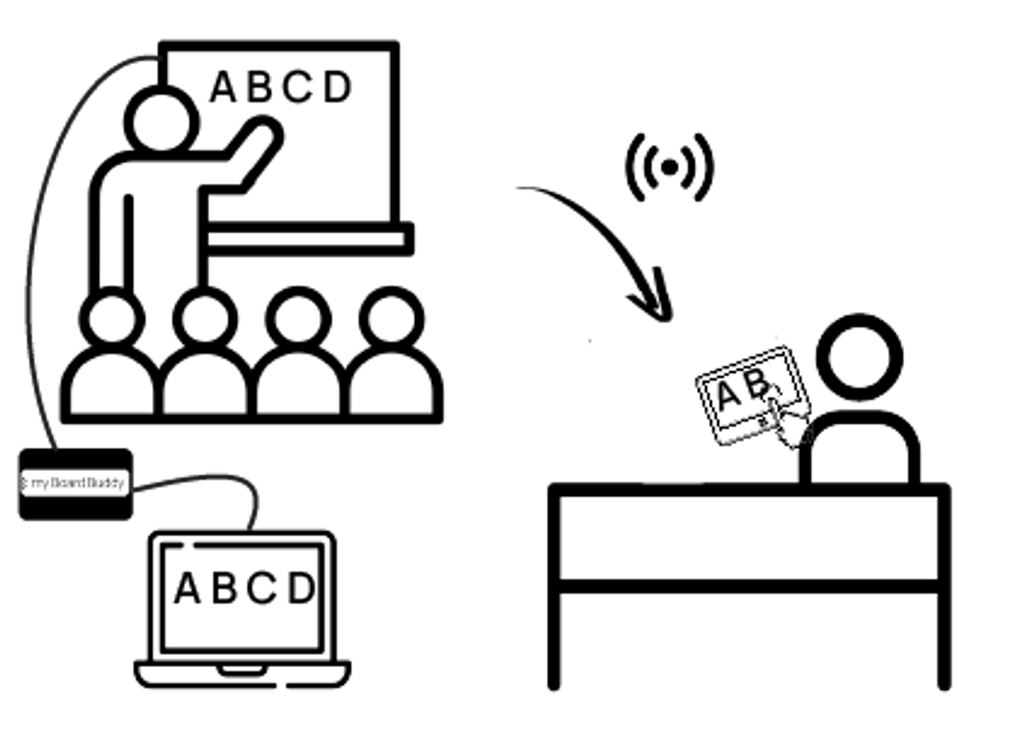
The my Board Buddy transmitter is placed between the image source, for example a laptop, and the interactive whiteboard or video projector using an HDMI cable.
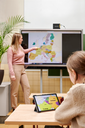
It transmits the image wirelessly to the application on the tablet near the user. Students will be more engaged during lessons and will be able to actively participate in class exercises.
Use my Board Buddy GO in multiple rooms
The app on the tablet receives the signal from the my Board Buddy wireless transmitter as soon as the user enters the room. Ideal for secondary and higher education. The user opens the app and immediately sees the “connect” button. The connection steps take place automatically.
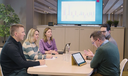
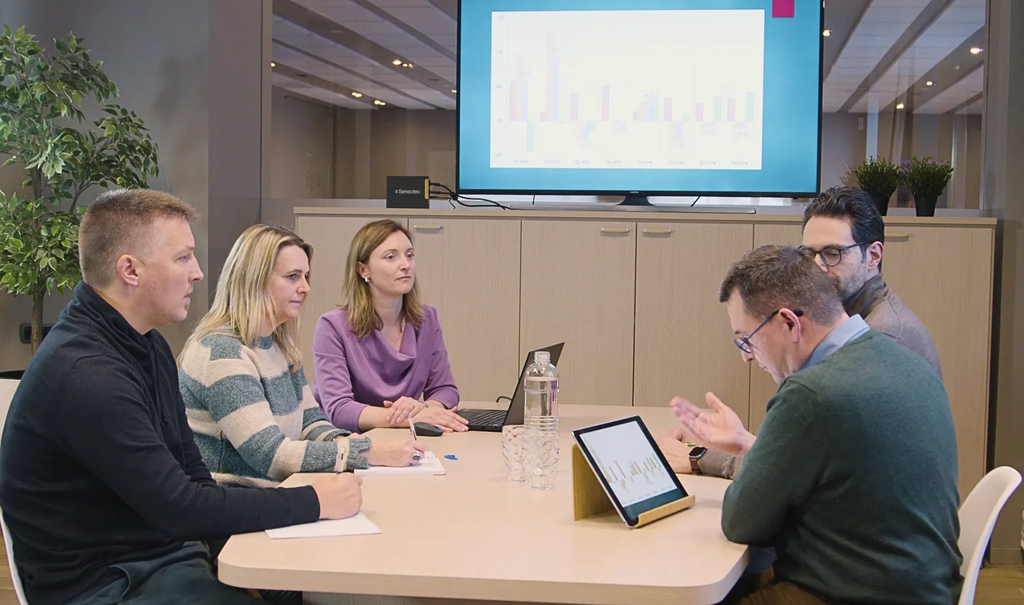
A my Board Buddy transmitter should be installed in every classroom or meeting room.
The user can give a specific name to each my Board Buddy transmitter, for example chemistry lesson, history lesson, math lesson, etc. If multiple transmitters are in range, the user can easily indicate which room they are in.
La configuration ne prend que 20 secondes !
The teacher manages my Board Buddy on their laptop via the “manager” function.
Fonctionnalités supplémentaires :
- Take a screenshot of an image to review it later
- Record a video of the current video stream and save it to review later.
- Complement to school systems My Board Buddy GO is an ideal complement to existing school systems for analog information. In this case, the camera is used for enlarging analog information and class participation, my Board Buddy GO is used for digital information.
- Possibility of having several transmitters Simultaneous duplication to several transmitters. Each transmitter can control how the image is represented on its screen.
- Wired or wireless & simple use Setting up and using my Board Buddy GO is quick and easy (wireless). There is no need to adapt existing infrastructure.
Specifications
Features:
|
Enlarge smartboard content |
oui |
|
Display on student screen |
non |
|
Tablet display |
oui |
|
Color inversion option |
oui |
|
Grayscale option |
oui |
|
Zoom in and out |
oui |
|
Screenshots |
yes, photo and video |
Adaptability:
|
Ideal for |
User who travels often |
|
Suitable from |
11 ans |
In the box:
|
Émetteur my Board Buddy |
oui |
|
Food |
oui |
|
Cable HDMI vers HDMI |
oui |
|
Manuel |
oui |
|
Tablet/iPad |
No, this must be purchased separately. |
|
my Board Buddy app |
Download it from the Apple Store |
Dimensions :
|
Depth |
5,00 cm |
|
Width |
25,00 cm |
|
Height |
18,00 cm |