Description
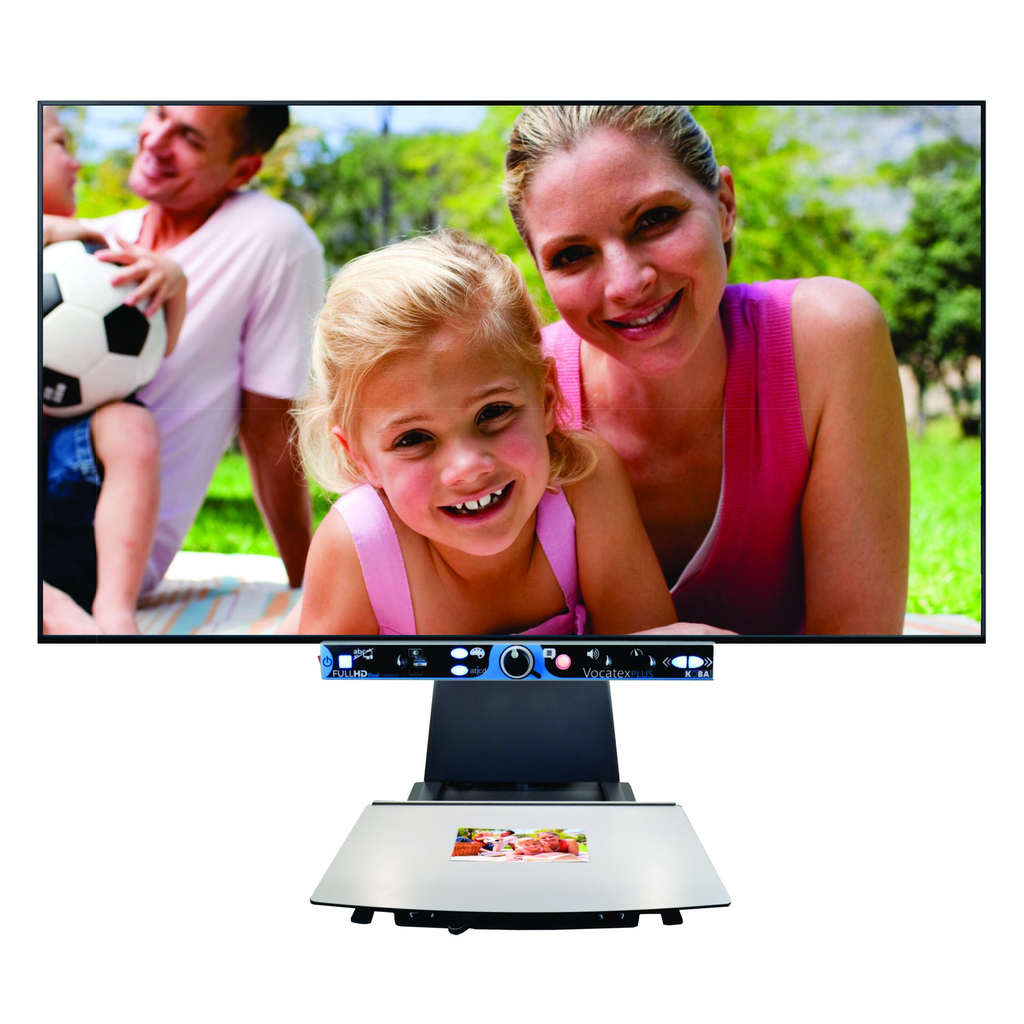
Read your books, magazines and newspapers with magnification or ask to read them aloud. The Vocatex is a Full HD video magnifier that allows you to enlarge texts and photos with great clarity and realistic colors. In combination with the integrated reading function, the Vocatex also reads all printed texts aloud. Equipped with large screens, the Vocatex is the ideal solution for reading, doing crosswords or asking to be read aloud in case of fatigue.
Developed and produced in Belgium!
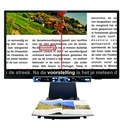
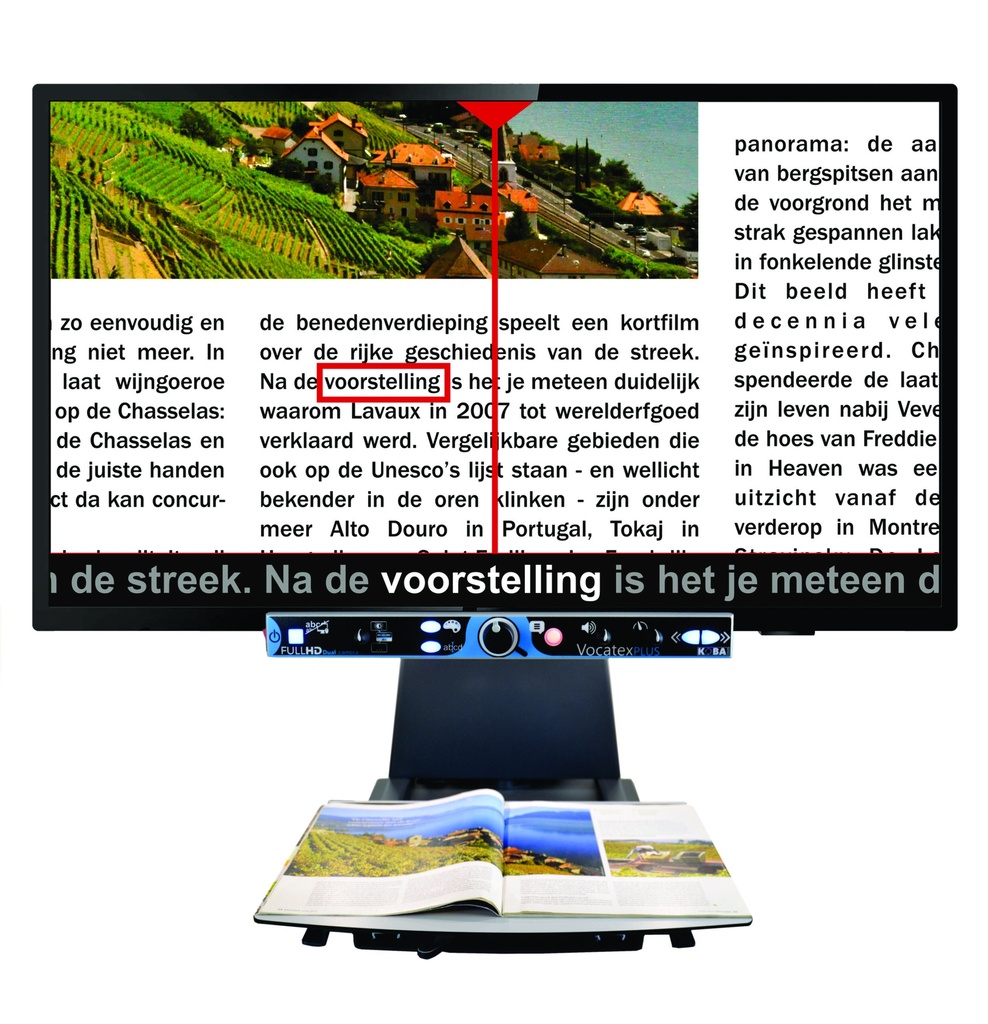
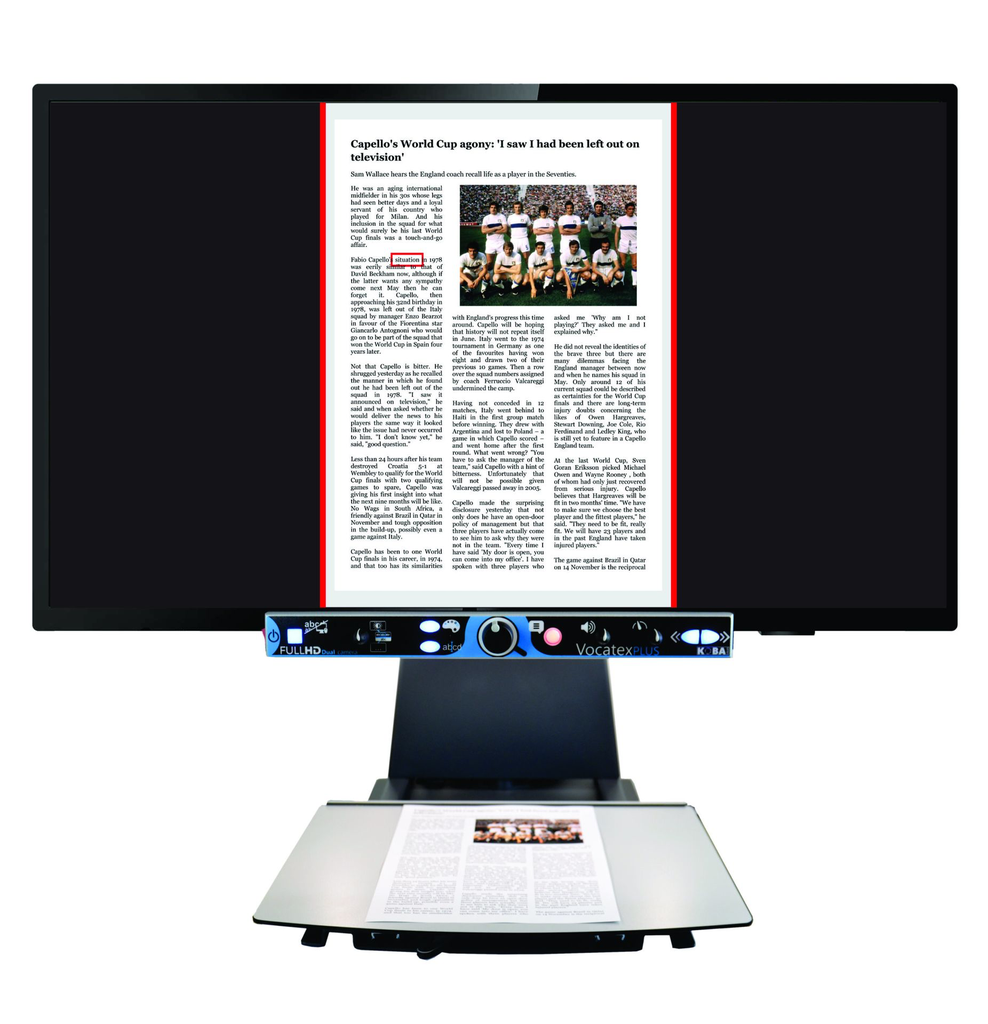
The Vocatex is a user-friendly talking video magnifier. You read it yourself or ask for it to be read aloud. Reading aloud begins as soon as you press the button. On the screen you clearly follow what is being read, while listening to a pleasant voice, so your eyes do not get tired.
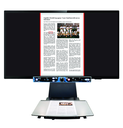
From now on, the smart reading function no longer only reads selected blocks of text, but also entire A4 pages. A full page is now even easier to read. Thus, Vocatex reads letters, magazines, large pages of newspapers or large works in an infinite number of ways.
Each device is personalized and configured to measure. Depending on your field of vision, we recommend a 22”, 27”, 32” or even 43” screen. KOBA Vision is the only manufacturer to offer such a unique range of displays. Specific settings are available, among other things, in cases of macular degeneration, tunnel vision and high photosensitivity, to further increase comfort.
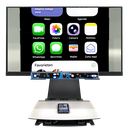
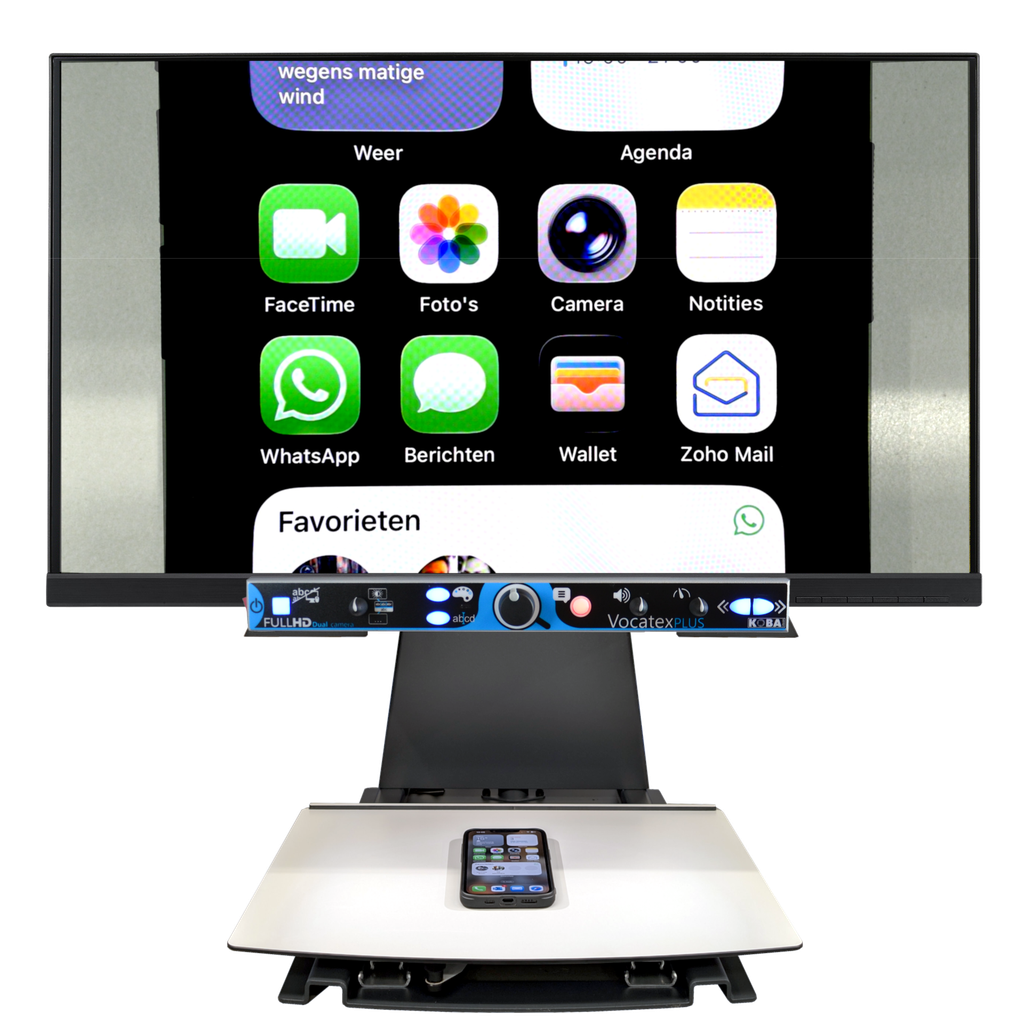
Vocatex is a multimedia center. The high contrast screen can display the enlarged image of text from your computer, TV or tablet. Thanks to a computer connection and enlargement software, you can even work with a split screen, allowing you to see the image from the magnifying glass and your computer simultaneously on the same screen.
Important Features
- Full HD enlargement with natural colors!
- Fast and accurate reading function.
Select the text and let it read.
Reads full A4 pages and larger page sizes! - Large screens adapted to your field of vision.
Unique choice among 22”, 27”, 32” and 43” screens - Connect to the computer with split screen!
Use the large, high-contrast screen as a computer monitor. - Simple control with easily identifiable and illuminated buttons with audio manual!
Enlarge to read for yourself
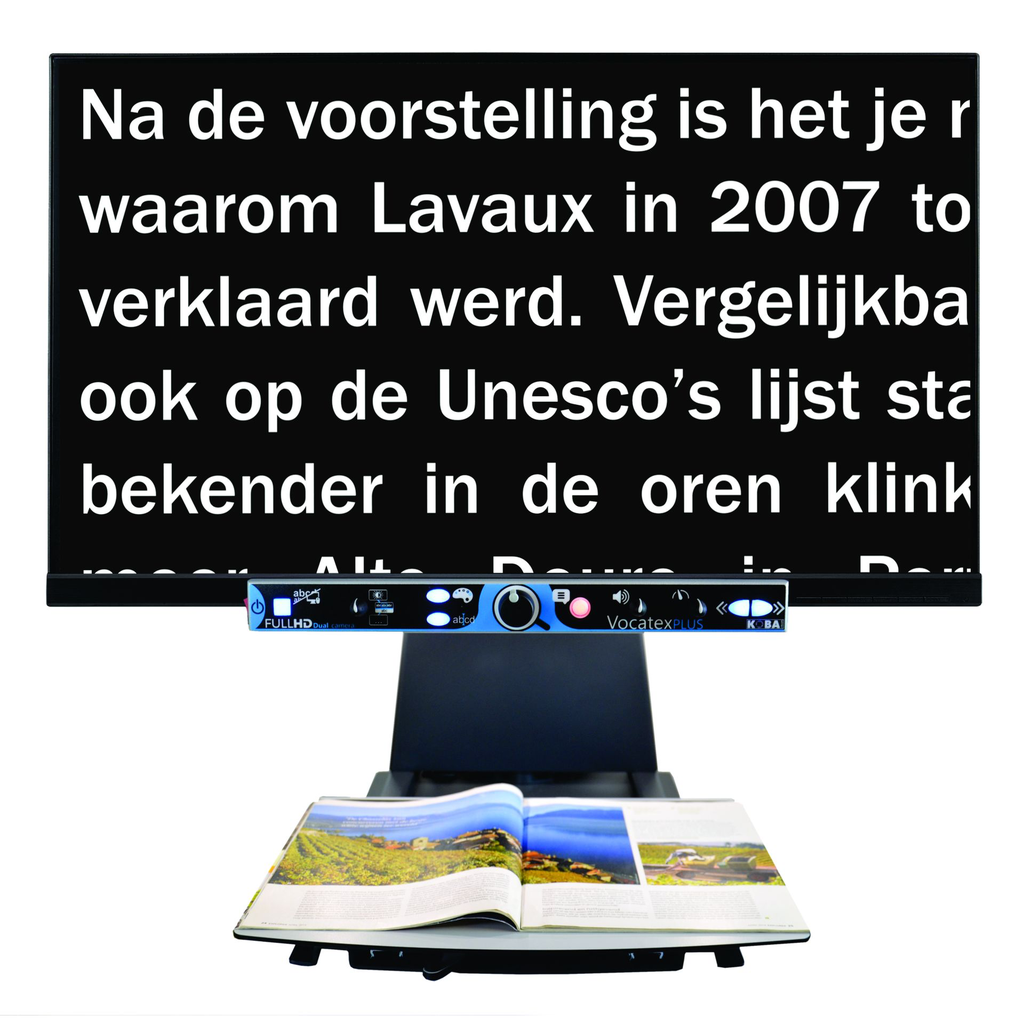
The Vocatex has a Full HD camera offering a high contrast image with remarkable sharpness. The image is particularly stable and pleasant. The magnifying glass has an extra wide viewing angle of 23 cm allowing you to read a page in its entire width. With Vocatex you look at photos of children and grandchildren again, read newspapers and magazines, write letters, do crosswords and sudokus again.
Vocatex offers different high contrast reading modes to enlarge the text and make it very readable. Poorly printed text can be read accurately thanks to background attenuation.
Small or big screen
Your field of view determines the size of the screen. Visually impaired people suffering from macular degeneration generally have a wide field of vision and we recommend a large screen of 32” of 43”. People with a narrow field of vision will prefer a smaller screen. Indeed, with the appropriate screen, your reading is more comfortable and faster, because you slide the reading tray less. You have a better overview and feel less fatigue if you see a full column width on the screen.
With Vocatex, you have the choice between screens with a diagonal of 22” (56 cm), 27” (68 cm), 32” (82 cm) and even 43” (109 cm). KOBA Vision is the only manufacturer to offer such a unique range of displays. Thanks to our choice of screens, we do everything we can to make the best use of your residual vision.
For optimal ergonomics, you can tilt the screens or adjust them in height. A correct sitting position is necessary to enable enjoyable reading.
Reading – Vocatex speaks
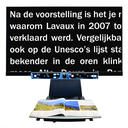
The Vocatex is a talking video magnifier. This combination of a video magnifier and a reading device makes reading enjoyable and less tiring. With Vocatex, you select the text on the screen yourself. Reading aloud begins instantly. A red reading frame surrounds the word and follows the text. This allows you to mark your reading position and maintain an overview of the page. As the Vocatex reads, the scrolling text displays the words enlarged on the screen so you can follow along.
Smart reading function
Thanks to the intelligent read aloud function, the Vocatex reads entire pages without interruption simply by moving the reading tablet and the text. When you move the tablet, the new text is assimilated and Vocatex simply continues reading.
Full pages
The Vocatex also reads entire A4 pages. By setting the smallest possible magnification, the entire page is read. It is no longer necessary to slide the reading tablet. Ideal for reading single pages.
Overview
Vocatex is unique because it always maintains an overview. There is no longer any need to switch between magnification and read aloud mode. The device always shows the image in real time. From then on, the device is very fast and the layout of titles, columns and photos is always maintained.
Languages and voices
Vocatex has a wide range of high quality natural voices. A choice of 32 languages and male or female voices makes listening truly enjoyable. You will definitely find the voice that suits you.
Invoices and tables
Vocatex also reads complex documents. Thanks to the reading rule, you choose yourself how Vocatex reads invoices and tables.
Simple command
Vocatex is particularly easy to use. The control panel appeals to several senses. The apprenticeship is therefore very short.
- The touch: The buttons are large, different and tactile.
- The view:The buttons are different colors. Thanks to the integrated indicator lights, you will quickly find the button panel.
- Hearing: Each button pronounces its function. So you immediately know how the device works without consulting the manual.
Specifications
Lecture
- Column selector
- New: Full A4 pages
- Volume & Reading speed
- Continuous playback
- Live mode
- Reading frame update
- Scrolling text
- Voice reading ruler (horizontal)
- Navigaton: mots & phrases
- Languages: 100 voices – 34 languages (Nuance Vocalizer and Acapela)
- Automatic language recognition
Enlargement
- Magnification (*22″, **40″screen): 2x* – 100**
- Resolution: Full HD, 60fps
- Format d’image: 16:9
- Max viewing angle (width): 230mm
- Min. viewing angle (width): 10mm
- Reading mode: Color display + max. 28 color combinations
- Autofocus
- LED lighting
- Talking buttons
- Programmable button
- Brightness & background
- Lighting
- Line & Windowing
Media center
- Talking video magnifier
- Video magnifier
- Television (22″ and 27″ excluded)
- Computer mode
- Full screen
- USB 3.0 split screen by ZoomText 10 or ult, SuperNova 15.03 or ult.
General
- Frain sliding table
- Screen height adjustment
- Flexible arm (height & tilt adjustment): 22″, 27″, 32″
- Dimensions (HxBxD)
- 22″: 565 x 510 x 530 mm
- 27″: 630 x 660 x 530 mm
- 32″: 675 x 730 x 530 mm
- 43″: 770 x 910 x 530 mm
- Warranty: 2 years